 Little Us


Little Us
只屬於你們兩個人的小天地A tiny world just for two
聊天、心情、抱抱,還有陪你們長大的小動物。另一半還沒準備好也沒關係,可以先自己用。 Chat, moods, hugs, and little critters that grow with you. Partner not ready yet? Start on your own.
Android 版正在 Google Play 封閉測試,加入測試群組就能下載。Android is in closed testing on Google Play: join the testers group to get it.
兩個人的每一天Every day, together

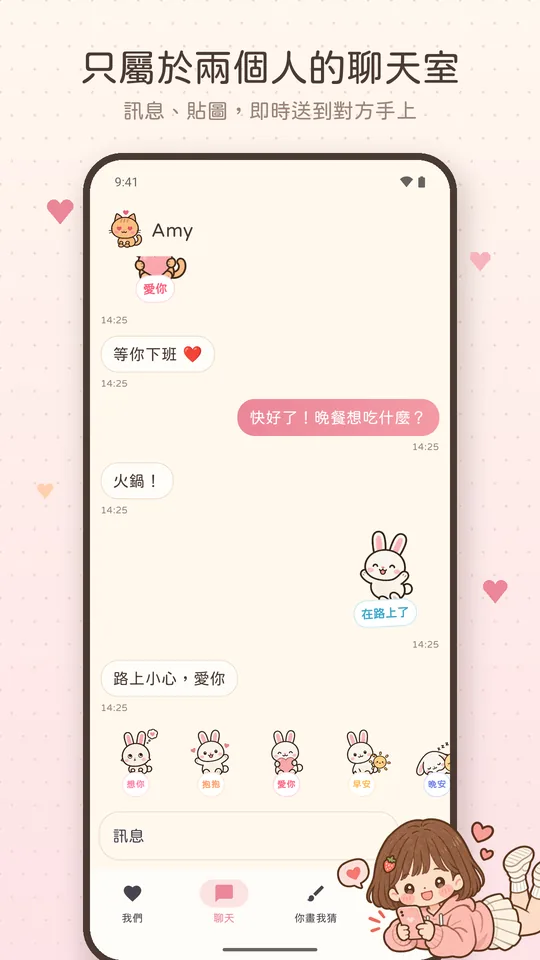
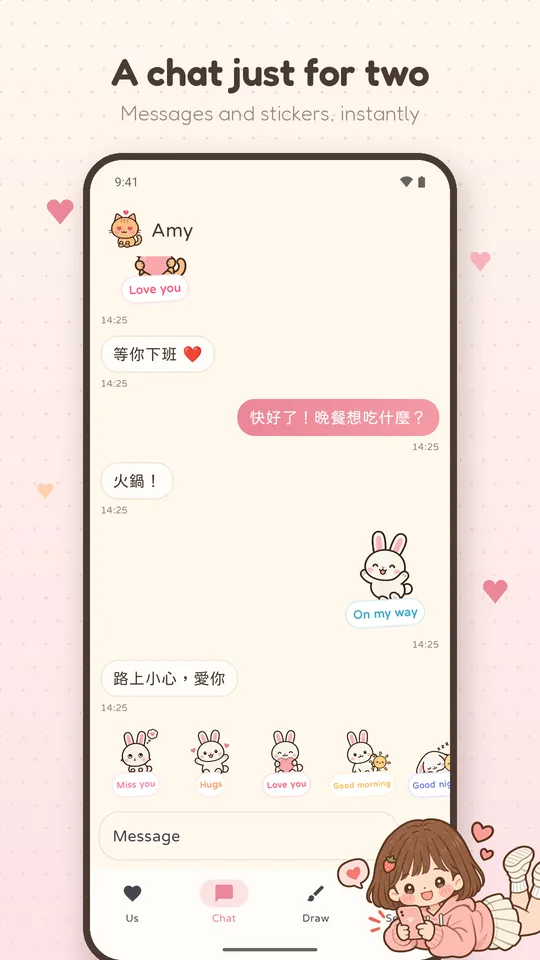
兩個人的聊天室A chat just for two
訊息、貼圖即時送到對方手上,也能傳送你現在的位置(只傳一次,不會追蹤)。Messages and stickers arrive instantly, and you can send where you are (once, never tracked).

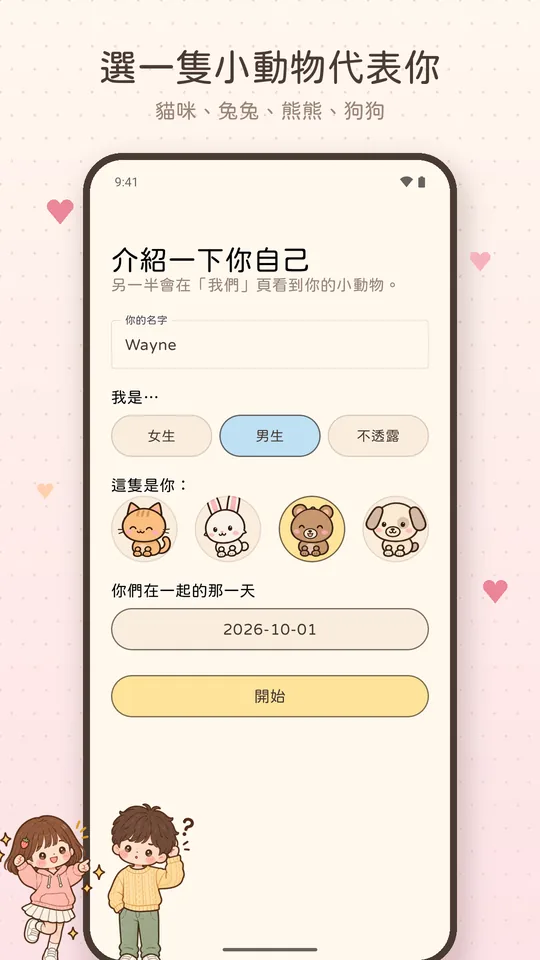
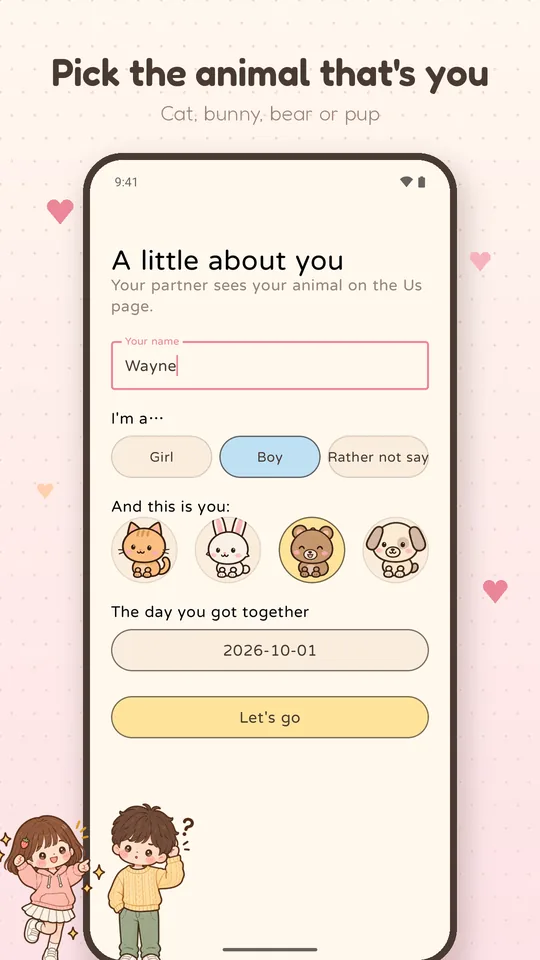
陪你們長大的小動物Critters that grow with you
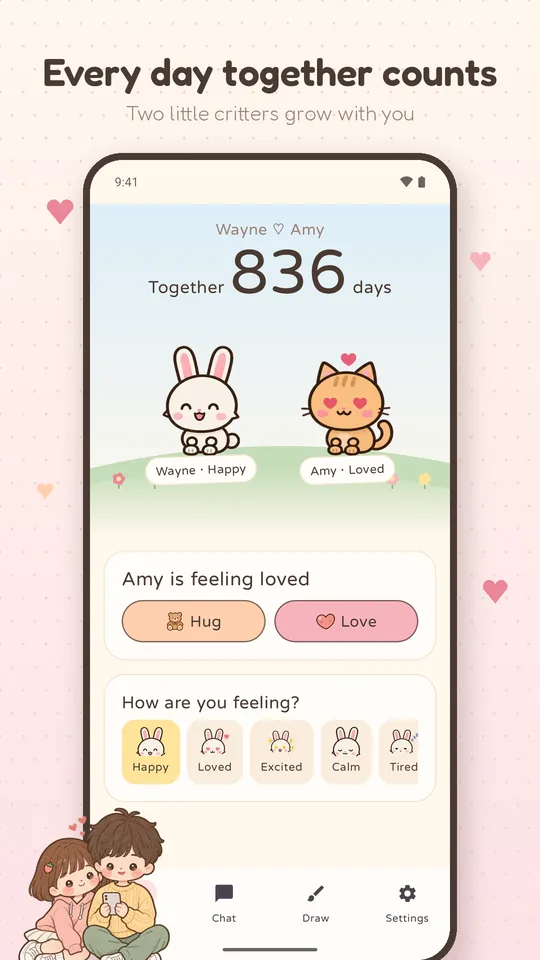
選一隻貓咪、兔兔、熊熊或狗狗代表自己,牠們會跟著你們的心情變換表情。Pick a cat, bunny, bear or pup to be you. Its face changes with your mood.

抱抱、愛心、說晚安Hugs, hearts and goodnights
想對方的時候,按一下就能讓對方知道。Thinking of them? One tap lets them know.

你畫我猜Draw & guess
一個人畫、一個人猜,猜對了一起加分。One of you draws, the other guesses.

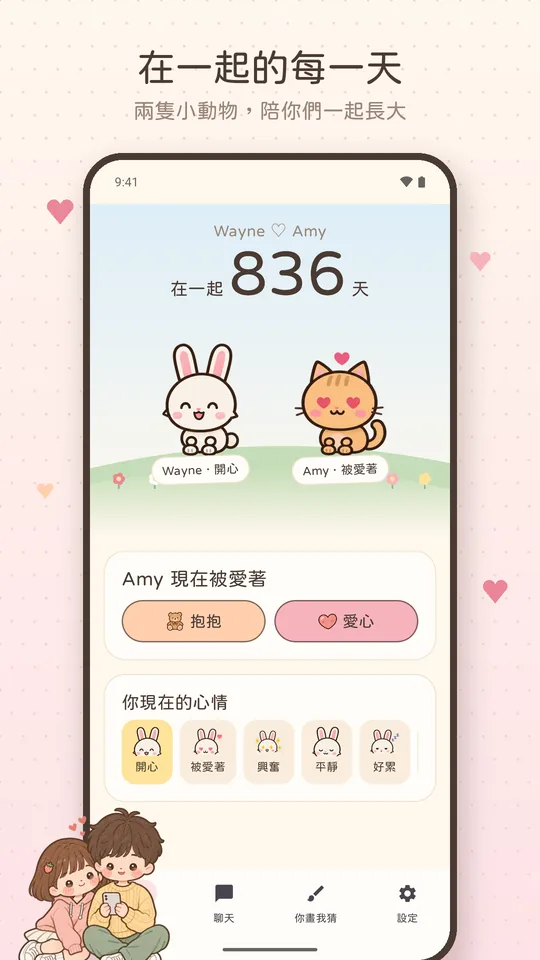
在一起的每一天Every day together counts
首頁記著你們在一起幾天了。The Us page counts the days you've been together.

先自己用也可以Start on your own
記錄心情和在一起的天數,隨時都能邀請另一半,原本的東西都會保留。Keep your moods and your days together, and invite your partner anytime: everything stays.

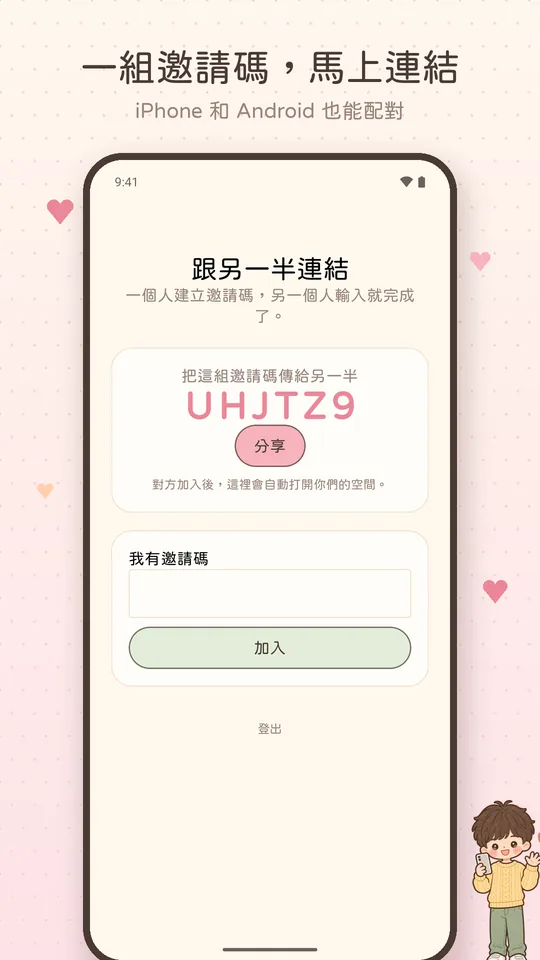
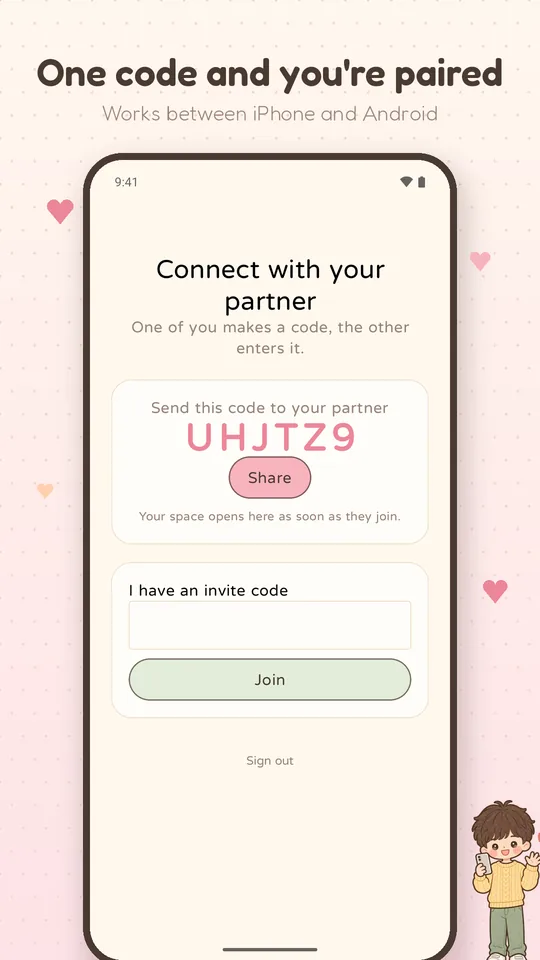
一組邀請碼就配對Pair with one code
一個人建立邀請碼,另一個人輸入就完成。iPhone 和 Android 也能互相配對。One of you makes an invite code, the other enters it. Works between iPhone and Android.
隱私第一Private by design
你們的內容只有你們兩個人看得到。不賣資料、不放廣告。Only the two of you can see your space. No ads, and we never sell your data.
看看裡面A look inside
常見問題Help
怎麼跟另一半配對?
iPhone 用 Apple 登入,Android 用電子郵件註冊。一個人在配對畫面建立邀請碼傳給對方,另一個人點「我有邀請碼」輸入就完成了。iPhone 和 Android 也能互相配對。
另一半還沒準備好,可以先自己用嗎?
可以。在配對畫面點「先自己用」,就能先記錄心情和在一起的天數。之後隨時都能邀請另一半,原本的東西都會保留,變成你們兩個人的。
換手機的話,資料會不見嗎?
不會。你們的訊息、照片、回憶和心情都存在伺服器上,在新手機登入同一個帳號,就會全部回來。
怎麼取消 Couple Plus 訂閱?
打開 iPhone 的「設定」→ 點你的名字 →「訂閱項目」→ Little Us,就可以取消。取消後到期前都還能使用。
怎麼刪除帳號?
在 App 裡打開「設定」→ 最下面的「刪除帳號」。你的個人資料會立即刪除。沒辦法打開 App,或只想刪除部分資料,請看刪除帳號或資料。
通話接不通?
請確認兩支手機都已允許麥克風(視訊還需要相機)權限,並更新到最新版本。仍然有問題請來信,附上當時雙方使用的網路(Wi‑Fi 或行動網路)。
How do we pair?
Sign in with Apple on iPhone, or with your email on Android. One of you creates an invite code on the pairing screen and sends it; the other taps "I have an invite code" and enters it. iPhone and Android can pair with each other.
My partner isn't ready yet. Can I start on my own?
Yes. Tap "Start on my own for now" on the pairing screen to keep your moods and your days together. Invite your partner anytime: everything stays and becomes yours together.
Will I lose anything if I change phones?
No. Your messages, photos, memories and moods live on our servers: sign in to the same account on the new phone and it's all there.
How do I cancel Couple Plus?
Open the iPhone Settings app → your name → Subscriptions → Little Us. You keep Plus until the end of the period you paid for.
How do I delete my account?
In the app, open Settings → Delete account at the bottom. Your personal data is deleted right away. Can't open the app, or only want to delete some data? See Delete your account or data.
A call won't connect?
Make sure both phones allow the microphone (and the camera for video) and run the latest version. If it still fails, email us and tell us which networks you were both on.

還有其他問題?Anything else?
問題、建議或想回報錯誤,請寫信到 tw466376@gmail.com,我們通常會在 2 個工作天內回覆。
Questions, ideas or a bug? Email tw466376@gmail.com. We usually reply within two business days.